Daily matches
Every day the app ranks the meals by nutrition, variety, your preferences and context, so your best fits come first.


For employees
atWork is the meal benefit your employer funds. Every day the app shows meals matched to your diet, allergies and goals. Pick one, choose a delivery slot, and lunch arrives at the office.
On a computer? Scan with your phone
Sign in with the account your employer gives you. Company not on atWork yet?Share it with your HR team
The employee app home: a greeting and a streak, tomorrow's lunch with its pickup code, the month's budget as a bar, and the dishes picked for you with quick filters.
Sample data
Screens are illustrations with sample data. Features marked Coming soon are not available yet.
Choose and plan
Search by meal or by restaurant, see why a dish fits you, let the app fill next week and keep an eye on your budget.
SearchTry it
The search: a choice between meals and restaurants, five quick filters for your goal, and the dishes or partner kitchens that match, best match first.
On this screen you can
Dish
A dish page: a large plate, the kitchen and tags, why the dish fits with the share of the day's protein it covers against a sample target, the macros, the delivery slots and a button to add it to a day.
Plan next weekTry it
The weekly planner: an empty week with two ways to fill it, protein per lunch against a goal line, and five days that can be swapped or removed.
On this screen you can
Budget
The budget: what is left of the company lunch budget this month as a stacked bar with spent, planned and left, the share spent at each partner kitchen, and the last six months compared with this one.
Sample data
Screens are illustrations with sample data. Features marked Coming soon are not available yet.
Pay, collect, enjoy
Your company budget pays first and a card covers only what is left over. Then you get a code to find your lunch, follow it on its way and rate it.
CheckoutTry it
The checkout: a dish with portions and two sides, three ways to pay with the right one chosen for you, how the order divides between your budget and your card as percentages, and what is left of your budget.
On this screen you can
Your pickup code
The order ticket: a large pickup code and QR picture to find your lunch on the office shelf, the states of the order, ways to change or cancel, and the code shown full screen at the shelf. Replay shows the code appearing and opening full screen.
Your lunchTry it
Following a lunch: a map with the lunch moving from the kitchen to the office, the order's state and delivery slot, and the seven states as a stepper. The run plays once through the seven states, can be paused, and ends on delivered. Replay plays it again.
On this screen you can
Rate your lunchTry it
Rating a delivered lunch: the food and the delivery each scored on a scale with a verdict, tags that depend on the score, a send button that waits for both scores, and a thank-you.
On this screen you can
Sample data
Screens are illustrations with sample data. Features marked Coming soon are not available yet.
Together
Cheer on the colleagues you follow, decide who can follow you and choose what they see. Following always needs an approval.
TeamTry it
The team feed: a company challenge with a Join toggle and its progress, and what the colleagues you follow had for lunch, planned or achieved, each with a kudos button that adds one while it is on.
On this screen you can
ColleaguesTry it
Following a colleague needs their approval: a profile with a Follow button that becomes Requested, three steps that say how following works, and the requests waiting for you with Accept and Decline.
On this screen you can
Activity sharingTry it
Activity sharing: who can follow you, which kinds of lunch activity approved followers can see as switches that pause while nobody can follow, and a bar that counts the changes that are not saved yet with Discard and Save.
On this screen you can
NotificationsTry it
The inbox: follow requests, order updates, offers and company news in one list, a filter for each kind with its unread count, Mark all read, and Accept and Decline right in a follow request.
On this screen you can
Sample data
Screens are illustrations with sample data. Features marked Coming soon are not available yet.
Keep it going
Build a streak of balanced lunches, join a company challenge, and get a plan for the week in your inbox on Monday and a look back on Friday.
Rewards
The rewards: a level with its experience points as a bar, a streak of balanced lunches across the week with a warning for the day that could break it, and six badges, some earned and some still to earn.
ChallengesTry it
The challenges: the company challenge with its progress as a bar, and a choice between your own challenges, each with a bar and the points it gives, and the team league that ranks the teams by balanced lunches.
On this screen you can
Sample data
Screens are illustrations with sample data. Features marked Coming soon are not available yet.
Both are optional, and each has its own off switch.
Your week of lunches is ready
The Monday email: four lunches for Tuesday to Friday picked for your protein goal, three figures about them, a button to accept the plan and a note that nothing is ordered until you accept.
Your week: strong, and next week is ready
The Friday email: how many of the week's lunches were balanced, protein per day against the goal, the best lunch and the one to watch, and next week's plan ready to accept.
Sample data
Screens are illustrations with sample data. Features marked Coming soon are not available yet.
Getting started
Four of the steps, as the app shows them. You can change every answer later.
Your company invites you, and a one-time code does the rest. There is no password.
The first setup screen: a welcome with three plates, a note that your company invited you, three things the app does for you and the work email field with a button that sends a one-time code.
Your name goes on your lunch label.
The name screen: a heading, the first name and surname fields, and a preview of the lunch label with your initials and name.
Choose at least a few types of food and they show up first.
The food preferences screen: nine kinds of food as tiles, four of them chosen, a count of how many are selected and a button to continue.
Pick your notifications and who can follow you at work.
The last setup screen: five notification switches with four on, and the choice of who can follow you at work, colleagues with your approval or nobody.
Sample data
Screens are illustrations with sample data. Features marked Coming soon are not available yet.
In the app
The atWork app ranks the day's menu for you, using what you told it at onboarding and every rating you have given since.
Every day the app ranks the meals by nutrition, variety, your preferences and context, so your best fits come first.
See the protein, carbs and fat split of each meal before you order.
Set your allergies once in your profile and filter the menu to meals that suit you. Allergen-friendly options are available in every category.
The menu
The menu changes daily. Whatever you choose, every meal shows its macros, and allergen-friendly options are available in every category.
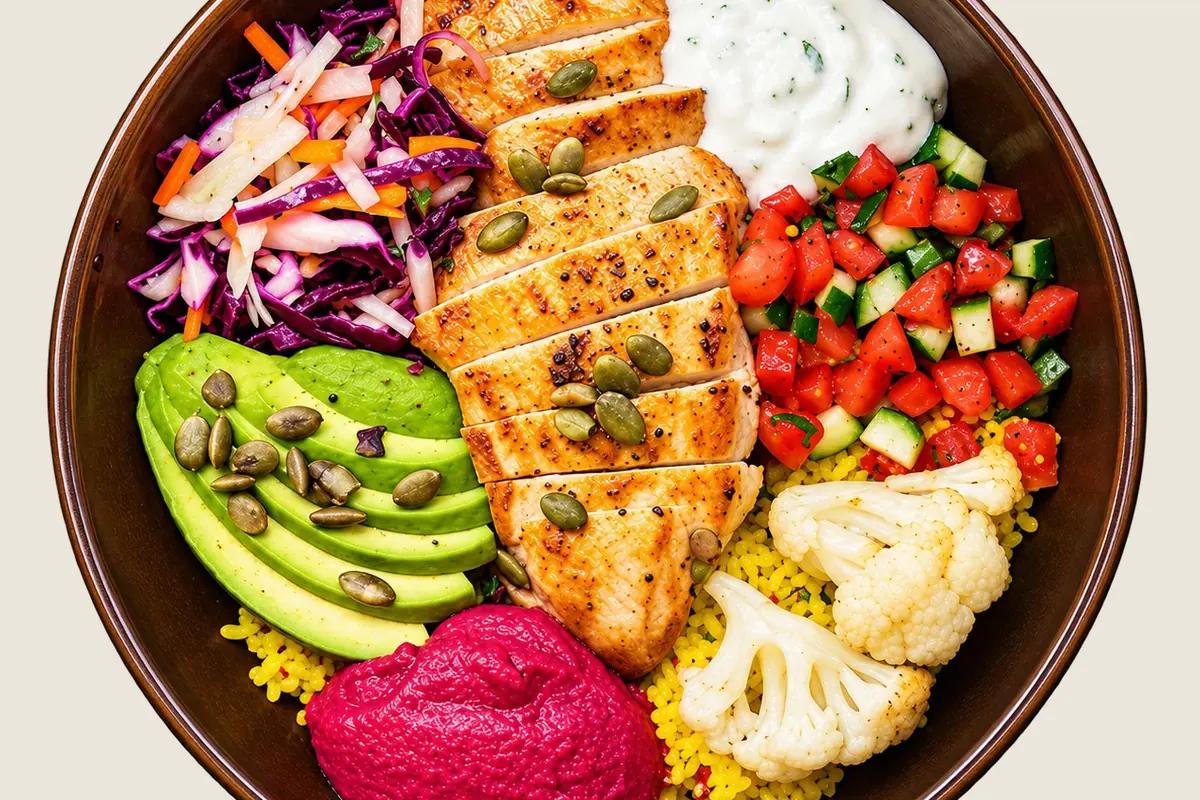
High Protein
46% protein35% carbs19% fat
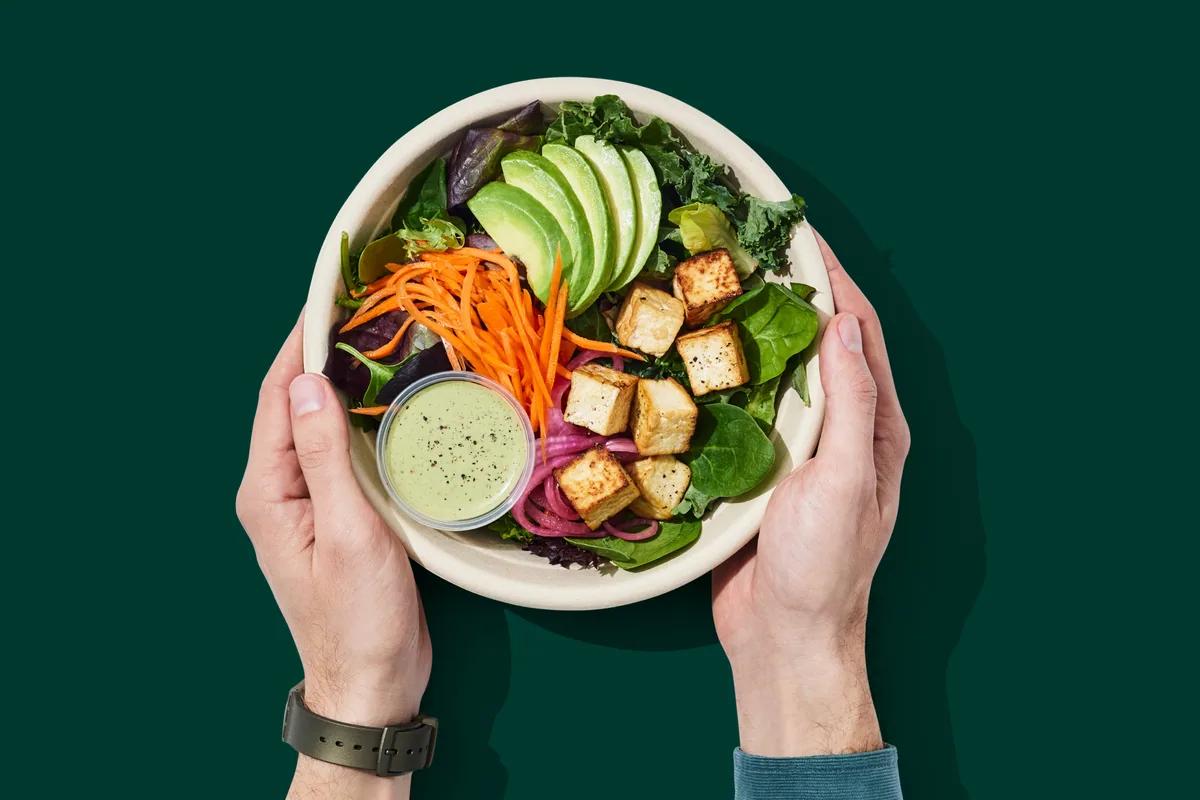
Balanced
30% protein47% carbs23% fat
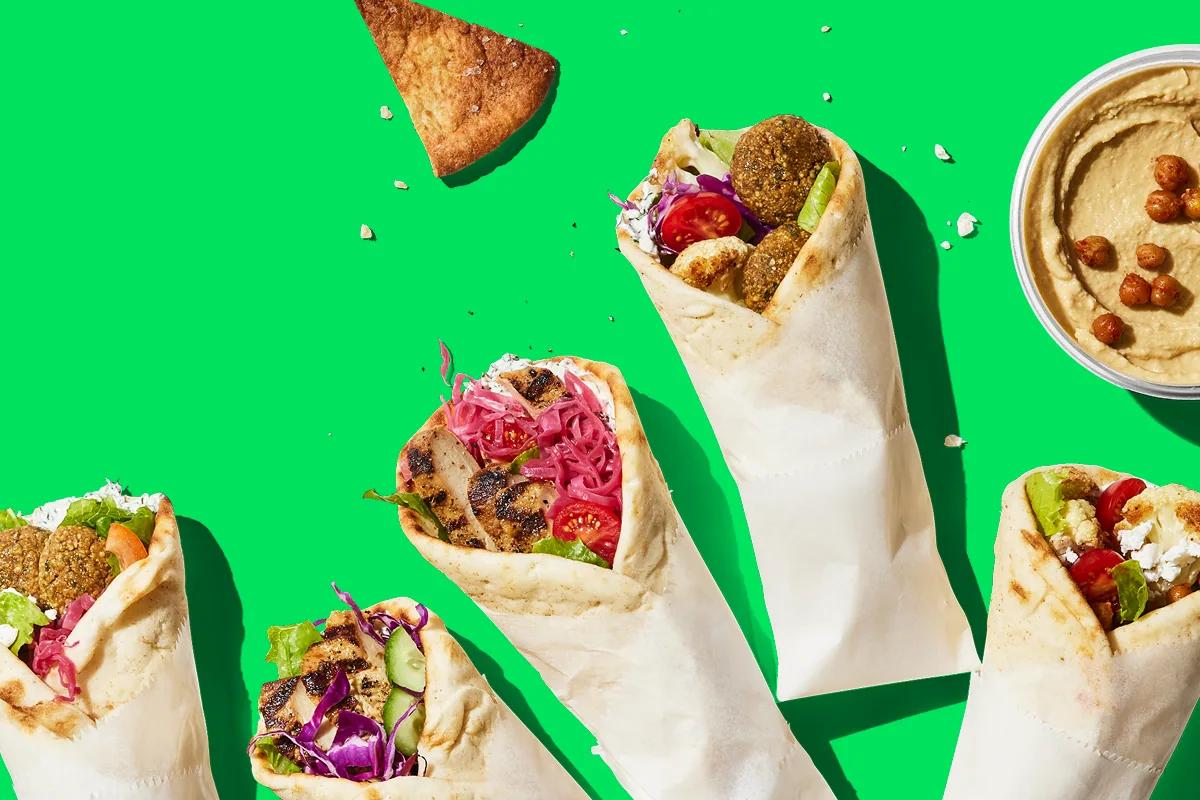
Vegetarian
36% protein52% carbs11% fat
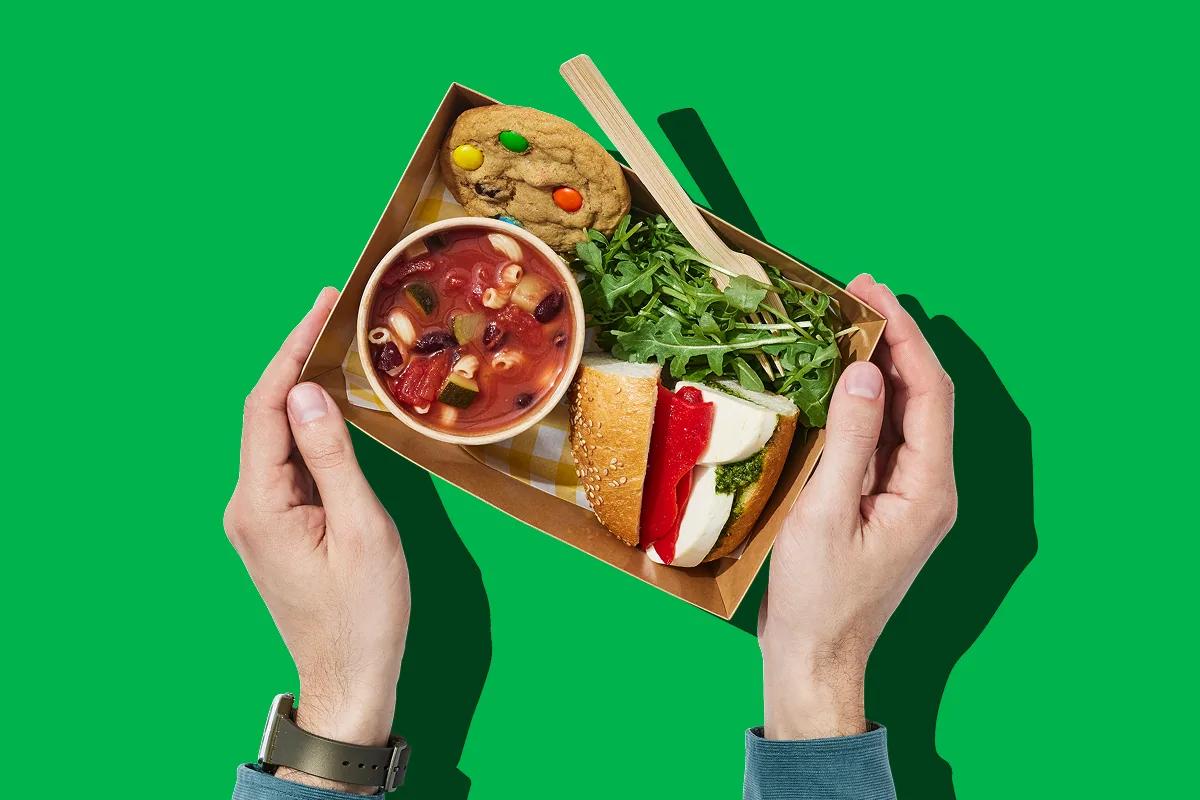
Chef's Picks
16% protein78% carbs6% fat
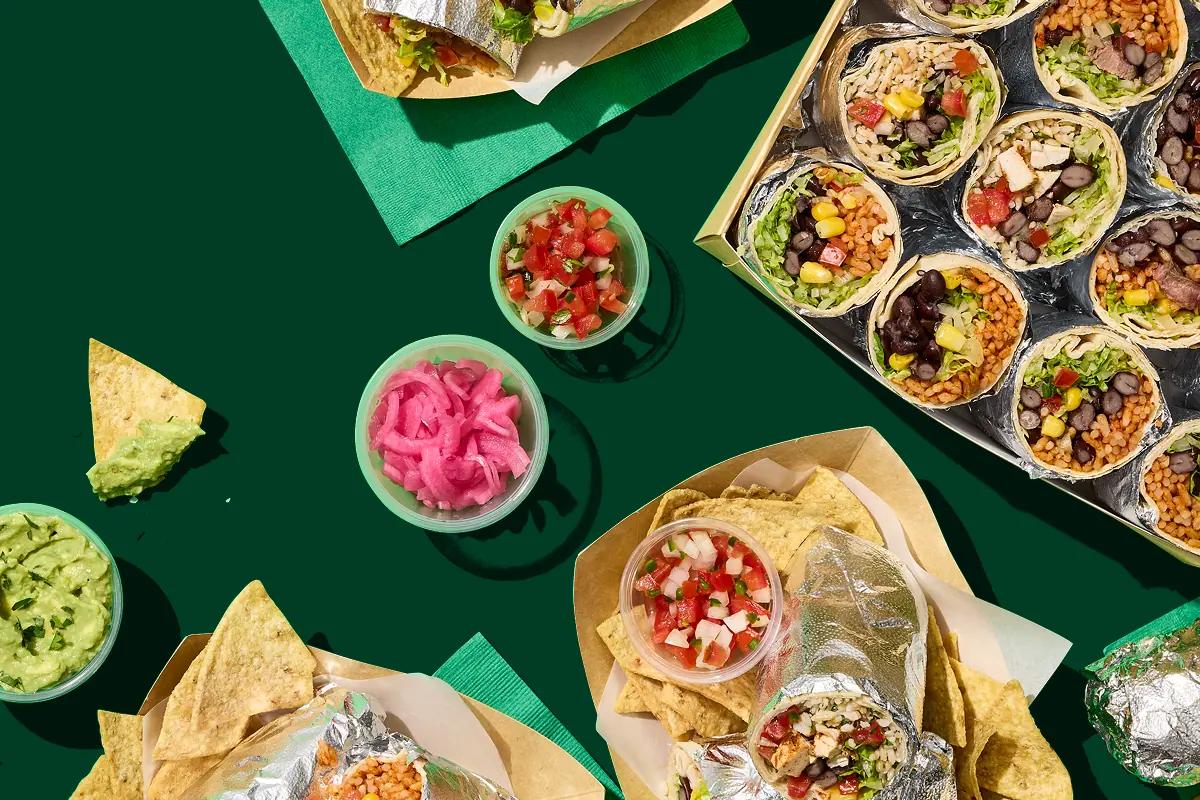
Custom Macros
39% protein42% carbs18% fat
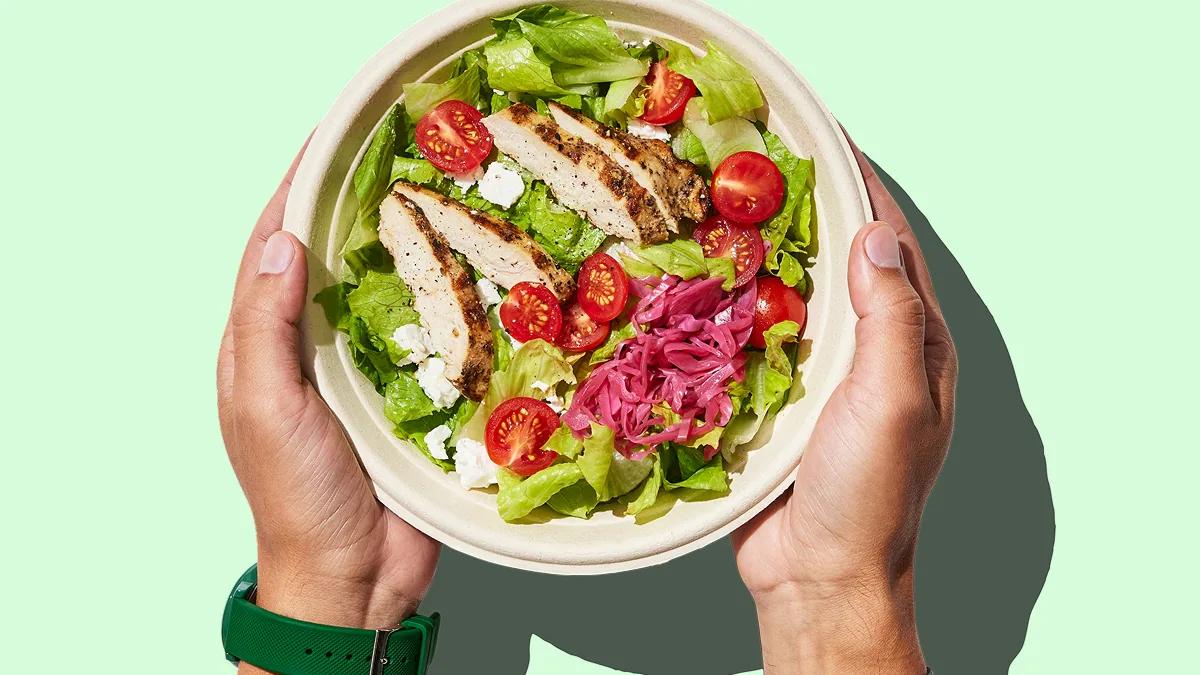
Low Carb
40% protein28% carbs33% fat
Sample data
Dishes shown are examples. The live menu changes every day.
Not on atWork yet?
atWork is offered by employers, so your company needs to join first. Tell your HR team about it. Here is what they will want to know:
Source: atWork platform data, 2025 to 2026.
FAQ
Need help with the app?Visit the help centre
Download atWork for iOS or Android and sign in with the account your employer gives you. Your first matches are waiting.